Where you will find a print button to print the invoice?
You will find the print button in the order details popup:
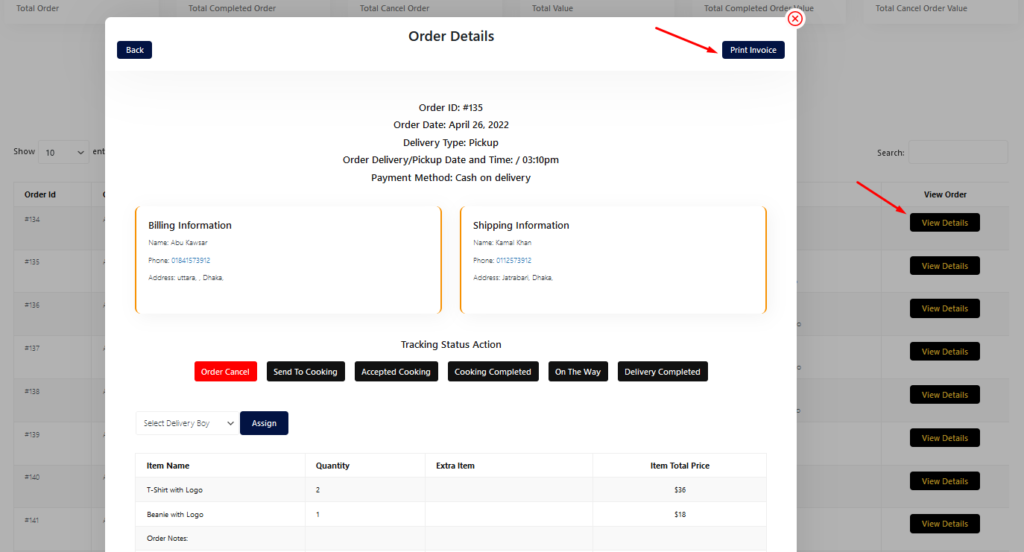
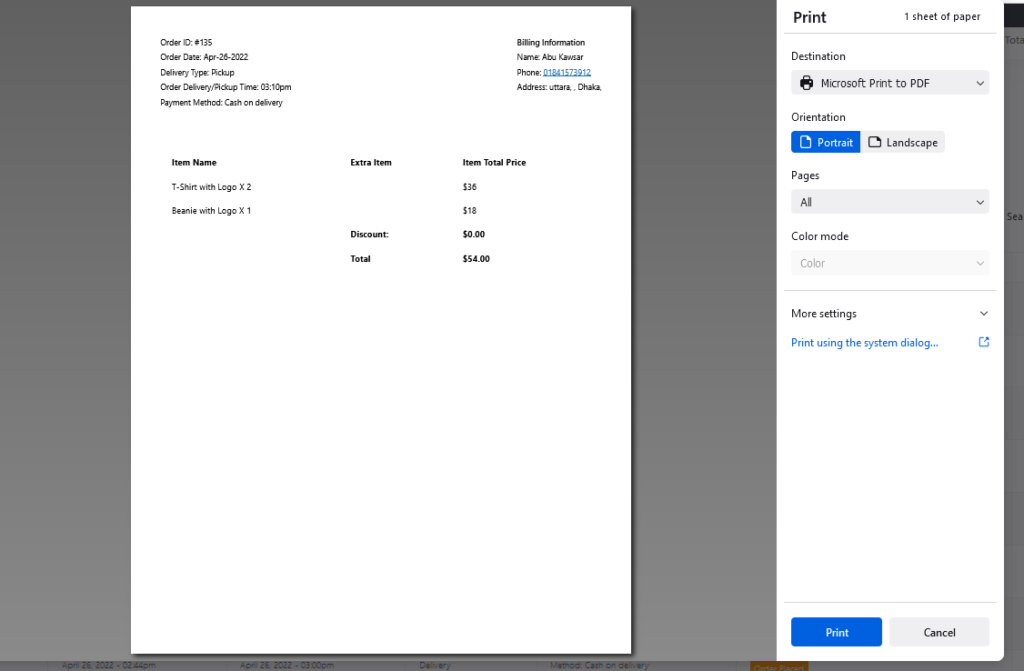
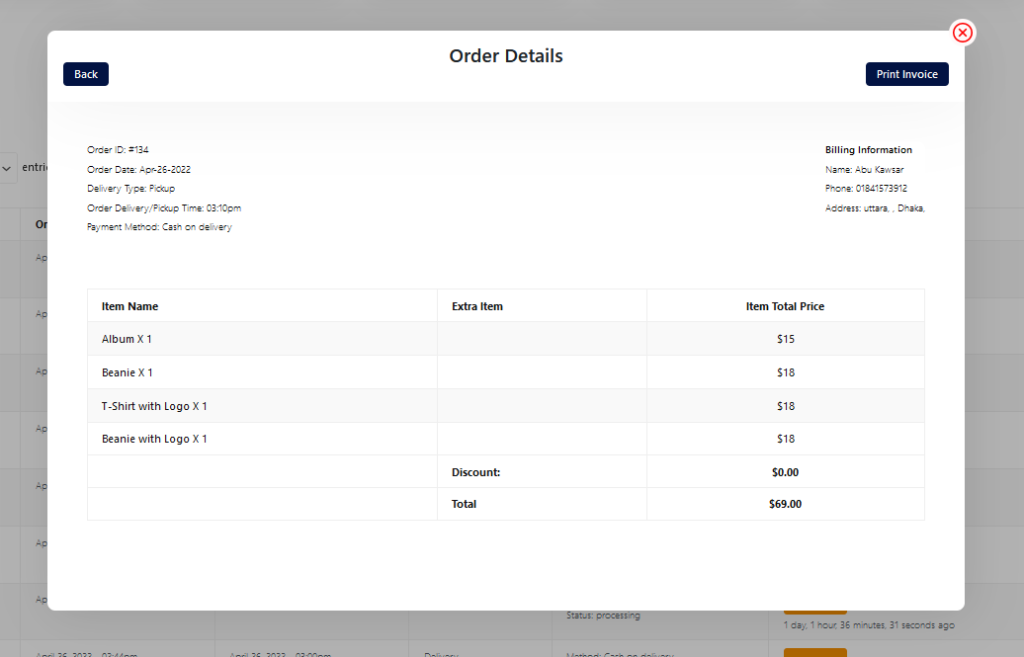
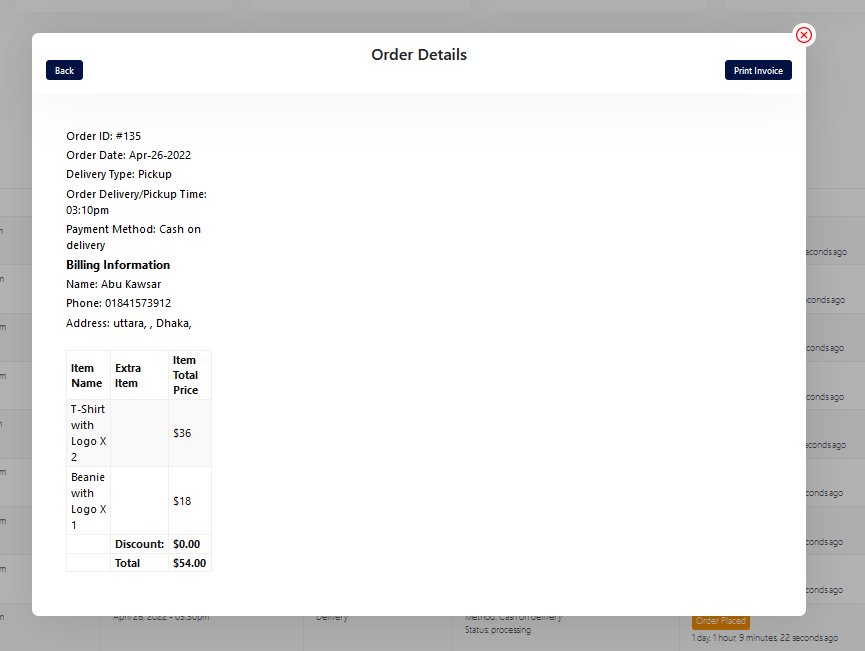

You will find the print button in the order details popup:
To add product nutrition information follow the screenshot : Preview:
Follow the screenshot to get invoice settings options.
RestroFood provides different time and multiple holiday set options for different branches. Here is the screenshot of how and from where the Delivery/Pickup time and holy day set in the branch admin.
Set list type and min/mix required option. If you don’t set min or max required number this items are not required for the product to add to cart.
Restrofood provides an awesome and flexible shortcode to increase user experience and flexibility. Product Page Shortcode: Shortcode Example 1: Use this shortcode to show products with all default settings Shortcode Example 2: Delivery ability checker form: Shortcode Example 1: Use this shortcode to show products with all default settings Shortcode Example 2: Use this shortcode…
Go to Admin -> RestroFood


