Where are the RestroFood settings options?
Go to Admin -> RestroFood
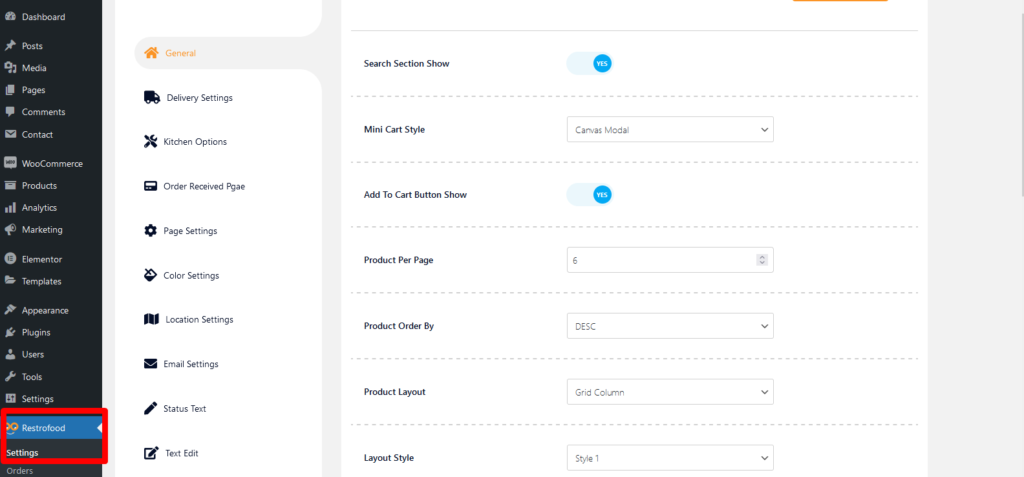

Go to Admin -> RestroFood
RestroFood provides background, text, button, anchor link, etc color change option so that you could match the plugin environment color with your website. Follow the screenshot to get the option:
Invoice type settings option: Normal Printer layout: Thermal/Receipt Printer layout:
The main admin can see and controls all branch orders from Branch order manage page. This page can access only main admin user from dashboard. There has so many options in this page. Following the options list below : Order filter by date and branch Show statistic on Total Order, Total Completed Order, Total Cancel…
Set how much order you want to received per time slot. If you don’t set any number of this option customers can order unlimited every time slot. If time slot order limit is over customer will see the information like below image. If the customer selects the time, which time slot already crosses the order…
Follow the screenshot to get invoice settings options.


