Where you will find a print button to print the invoice?
You will find the print button in the order details popup:
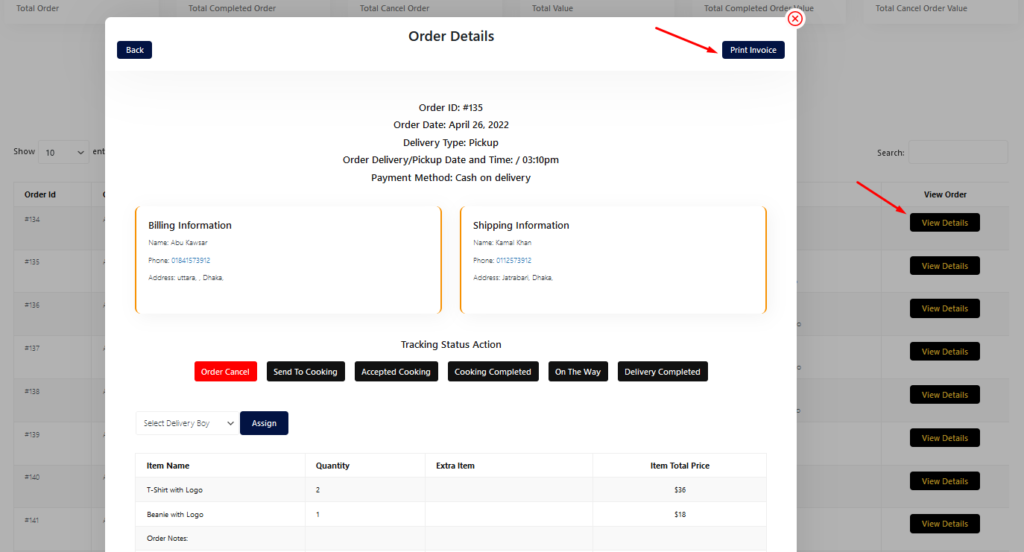
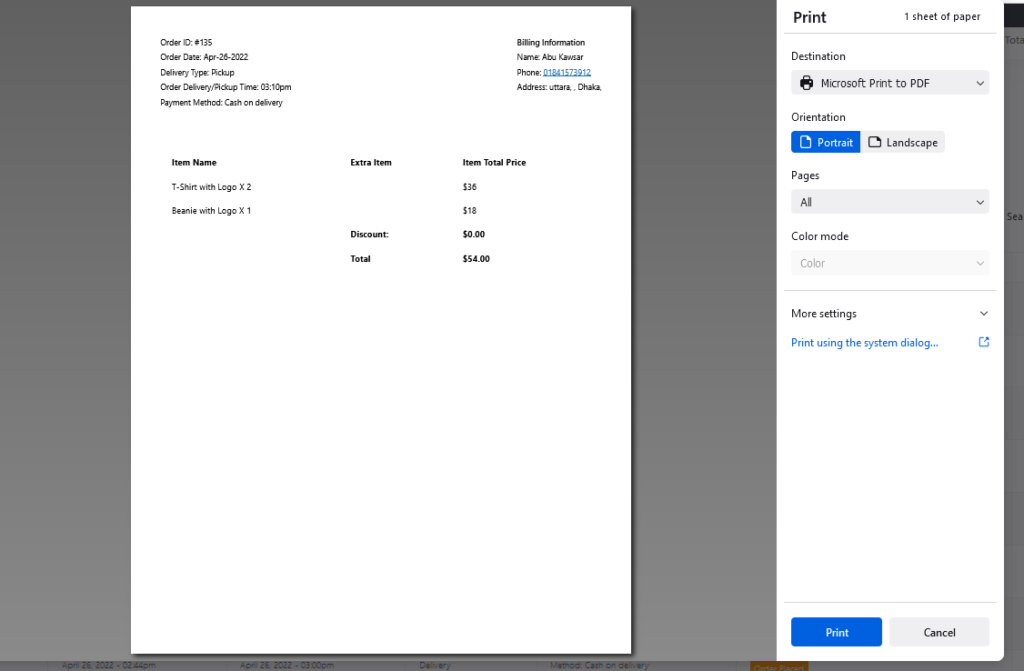
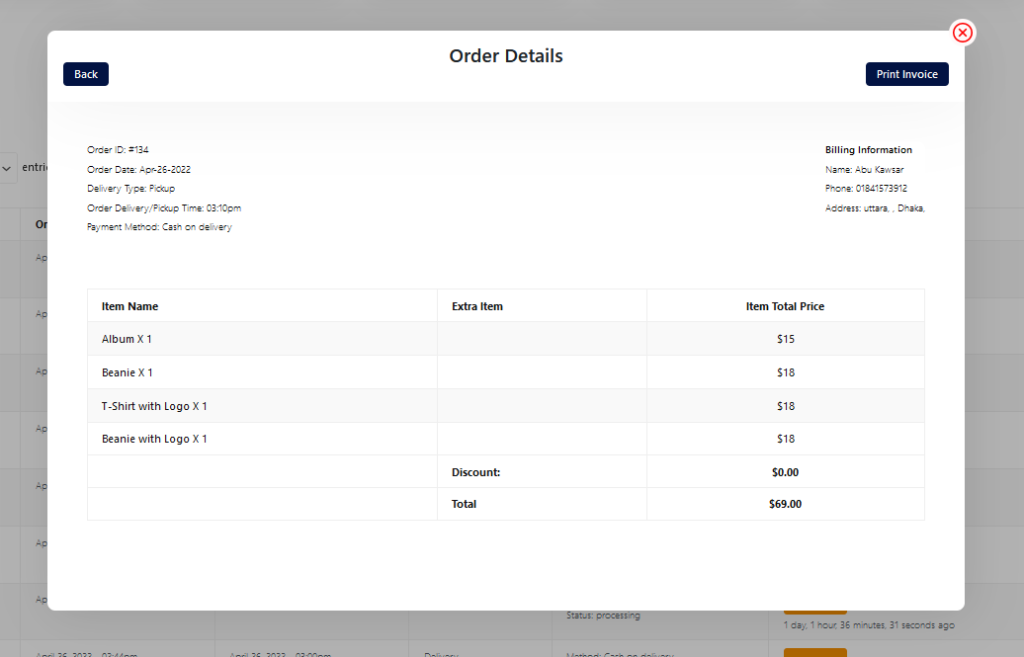
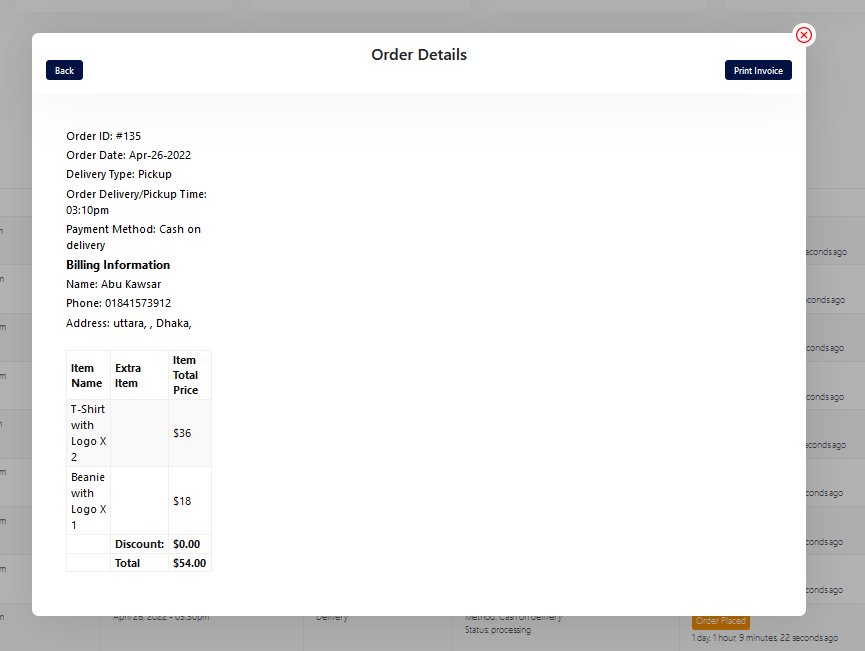

You will find the print button in the order details popup:
Restrofood provides 3 unique cart style options. You can choose the one that you prefer most. You can set it globally from the settings option or a specific Elementor widget. Follow the screenshots to set the settings.
You need to check system status before WordPress Plugin installation. WordPress This section displays the following information about your WordPress setup: Home URL: The URL of the site’s homepage. Site URL: The root URL of the site. Version: The version of WordPress installed on your site. We recommend always use the latest WordPress version available in WordPress.org. Multisite: Whether or…
Restrofood plugin provides an ajax shop page. Where users can see products easily and make a quick order. There have 3 ways to show products in this plugin. Using Shortcode Using RestroFood Template Using Elementor Widget Make sure you are uploaded products before. How to use the shortcode? RestroFood plugin provides a shortcode to show…
Delivery/Pickup time select option is an awesome feature in this plugin. Customer can select the time when he/she want to delivery and provider delivery the product on that time. Here is the screenshot of how and where the Delivery/Pickup time settings in the admin. Delivery/Pickup time set options. Where will show Delivery/Pickup date and time…
Follow the screenshot to understand how to work delivery ability checker by zip location. For Single Branch: Settings Options:


