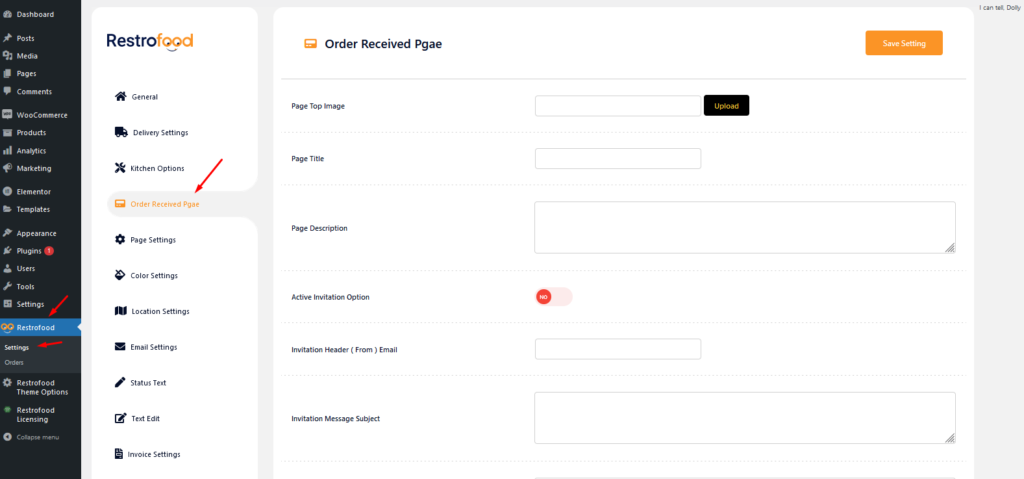
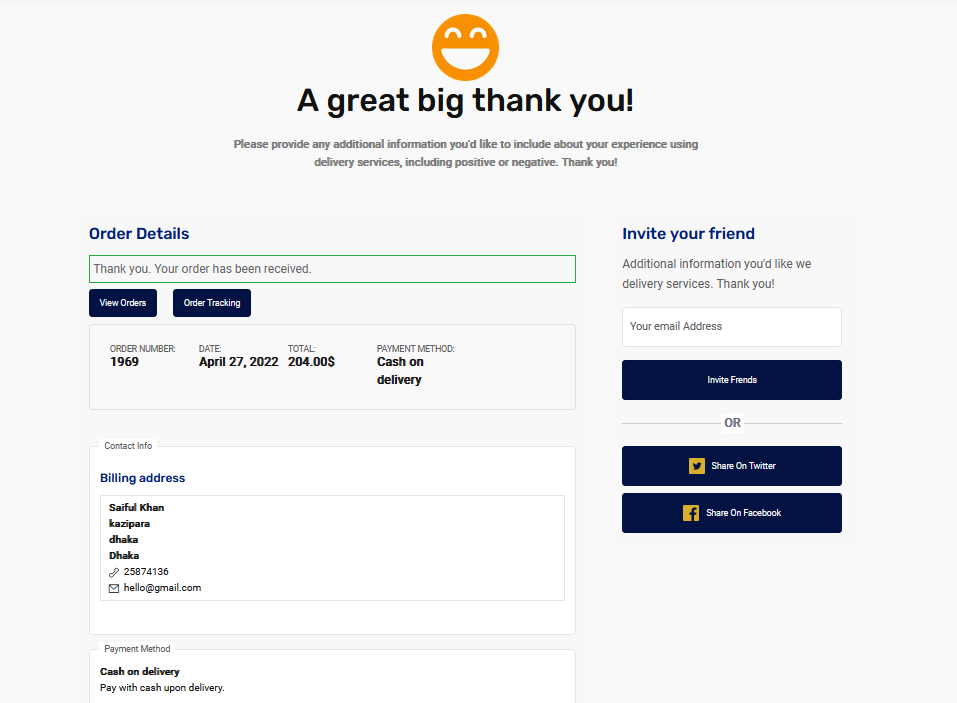
From Where you would set the order received page?

Restrofood Theme provides a one-click demo import system. So you could import demo data like our demo site easily. Before installing demo data you should install all required plugins and active restrofood plugin license. Before import demo data make sure you have activated the restrofood license: Import demo data:
Download The copy of the plugin as a zip file, you can manually upload it and install it through the Plugins admin screen. Navigate to Plugins > Add New. Click the Upload Plugin button at the top of the screen. Select the zip file from your local filesystem. Click the Install Now button. When the installation is complete, you’ll see…
Go to Admin -> RestroFood
Set how much order you want to received per time slot. If you don’t set any number of this option customers can order unlimited every time slot. If time slot order limit is over customer will see the information like below image. If the customer selects the time, which time slot already crosses the order…
You will find the print button in the order details popup:


